From HamClock to OpenHamClock
March 2026
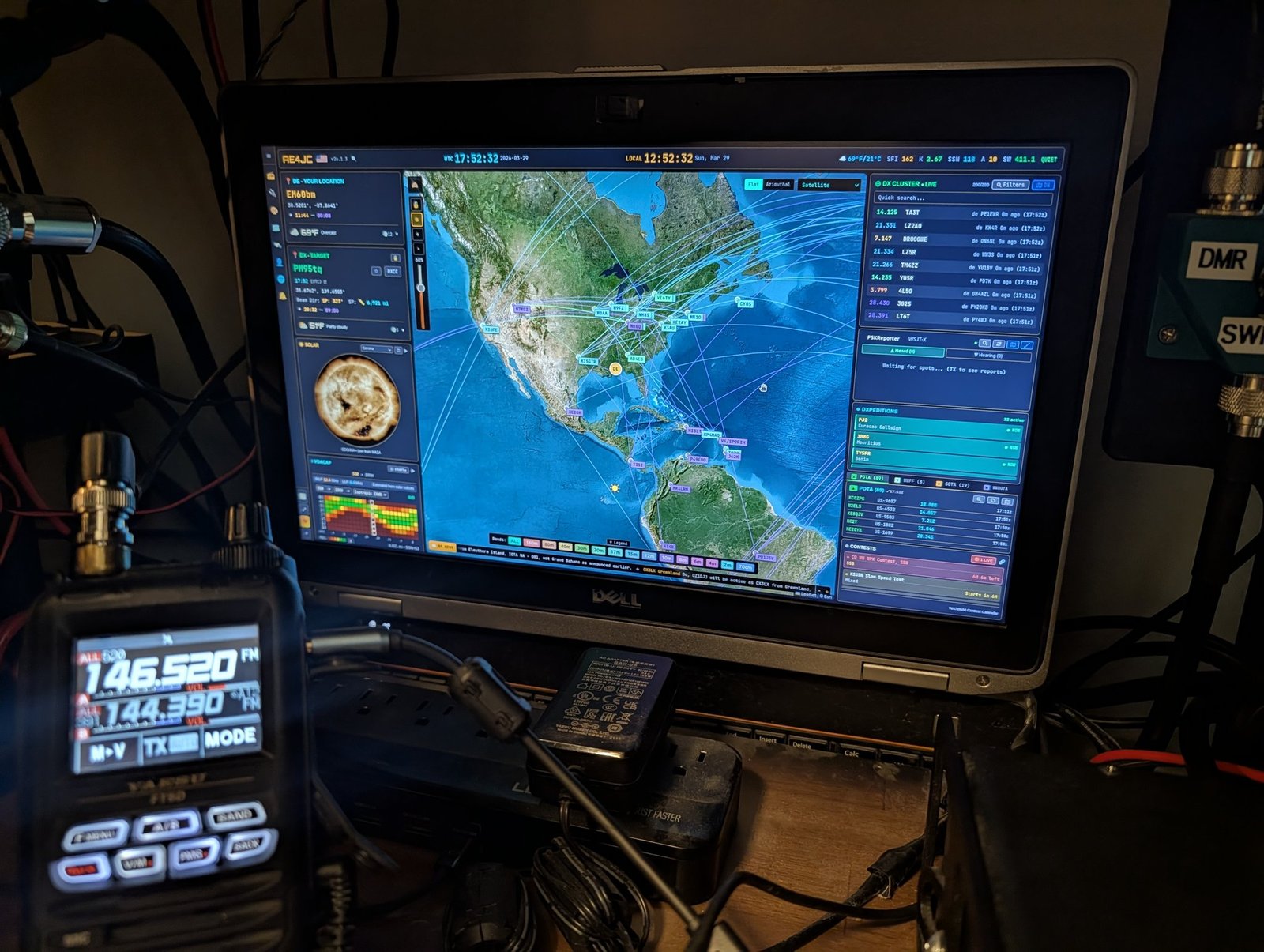
One of my first projects as a ham was repurposing an old laptop with Linux to run HamClock — one in the shack, one in the garage. It’s been central to both stations ever since, showing band conditions, DX spots, and Live Spots at a glance. So it hit hard to hear that HamClock’s creator had passed away. Rest in peace, and thank you for years of free, excellent software.
That’s what led me to give OpenHamClock a real look.
First Impressions
OpenHamClock is quite a bit different from the original — a modern rebuild of the same idea, aggregating live ham radio data (DX spots, propagation, POTA/SOTA activity, DXpeditions, and more) into one dashboard.
For Comparison: The Original
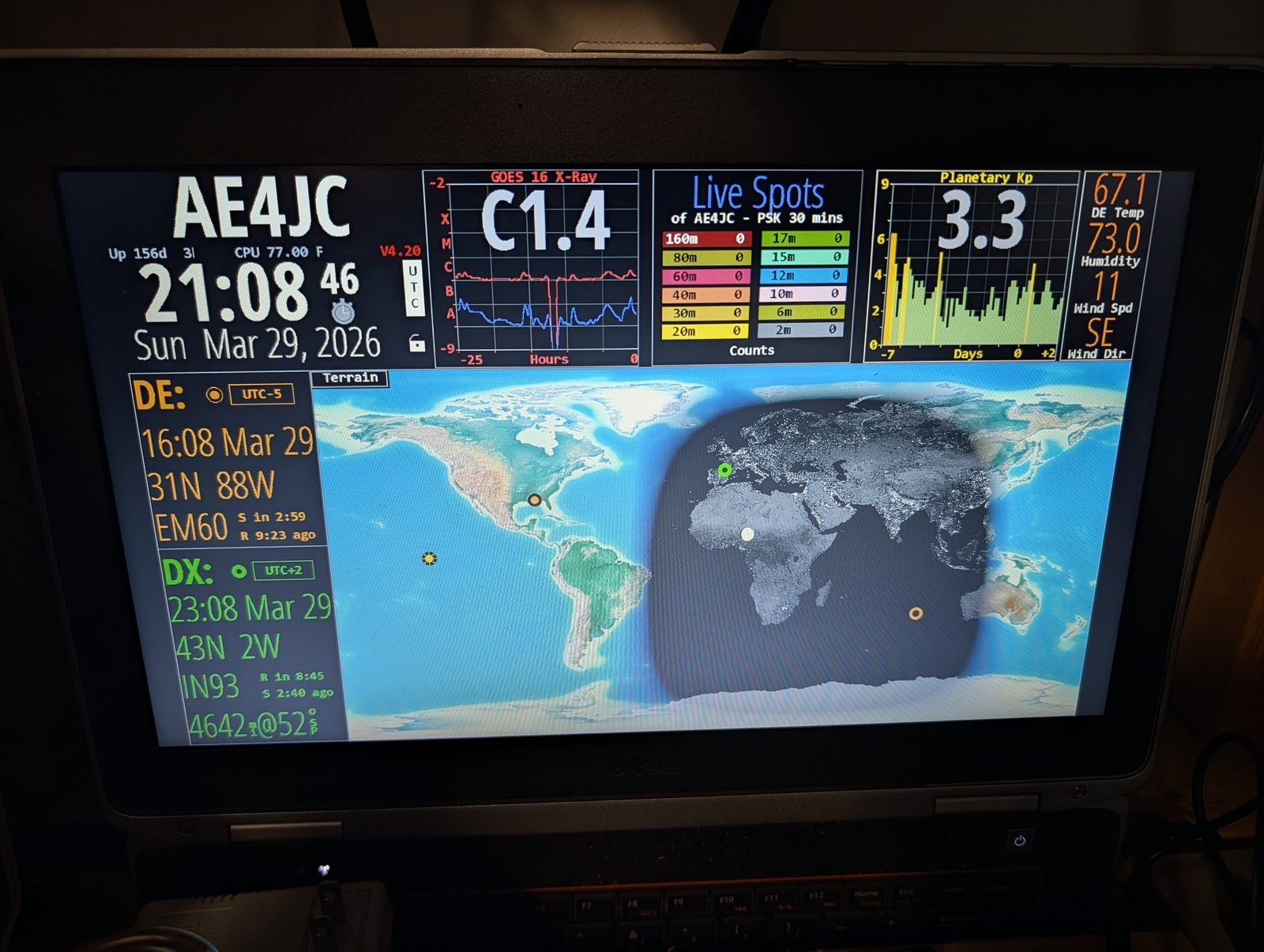
Here’s the original for comparison — the big display with Live Spots was always one of my favorite features, and it’s still holding down the garage.
Why Install It Locally Instead of Just Using the Website
OpenHamClock can be used right away as a website at openhamclock.com, and that works great for a quick look. But I chose to install it locally on my Ubuntu Linux machine instead (guided by some Grok recommendations), for these reasons:
- True dedicated full-screen kiosk display that auto-starts on boot
- Faster and smoother performance, with zero web lag
- Better privacy and security — it runs only on localhost
- Works perfectly even if the public site is slow or down
- Full customization and control for my shack setup
The real steps I used are written up as a proper OpenHamClock setup guide — including the Linux prep work, since an old repurposed laptop needs that sorted first.
Real-World Notes
A couple of observations after running it for a while:
- OpenHamClock views best on a larger screen — there’s a lot going on with the display.
- With everything running, it’s a pretty heavy load on this old repurposed laptop.
I could turn off some of the features to lighten the load. But it looks too cool to do that. 😎
What’s Next
The shack laptop made the switch in March 2026. The garage laptop is still running the original HamClock — that’s next on the list, and this time I’ll have a real setup guide to work from instead of figuring it out from scratch.